
Problems usually occurs when Azure SSO certificates expire.
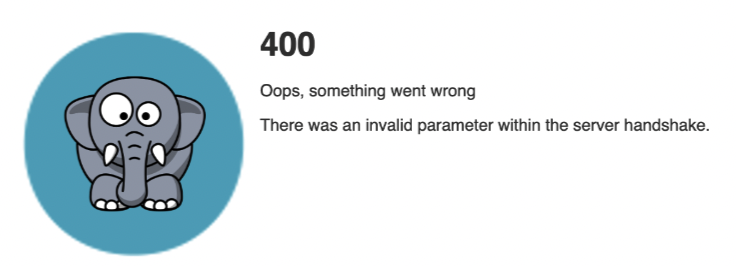
Error 400: Outdated federation metadata file
New metadata file needs to be fetched from Azure (soon this will be automatic). If federation metadata file is outdated - user should see the following page during SSO login:
Coredata logs will contain similar log entries containing keywords:
signature does not verify
If you still experience the same issue - please review the TLS certificates on Microsoft Azure side and on CoreData.
Check Azure configuration part 12. if Signing option on SAMT Certificates is select → Sign SAML response
Check Azure configuration part 12. if Signing option on SAMT Certificates is select → Sign SAML response
InvalidNameIDPolicy
urn:oasis:names:tc:SAML:2.0:status:InvalidNameIDPolicy from urn:oasis:names:tc:SAML:2.0:status:InvalidNameIDPolicy
This error comes moslty with legacy ADFS SSO:
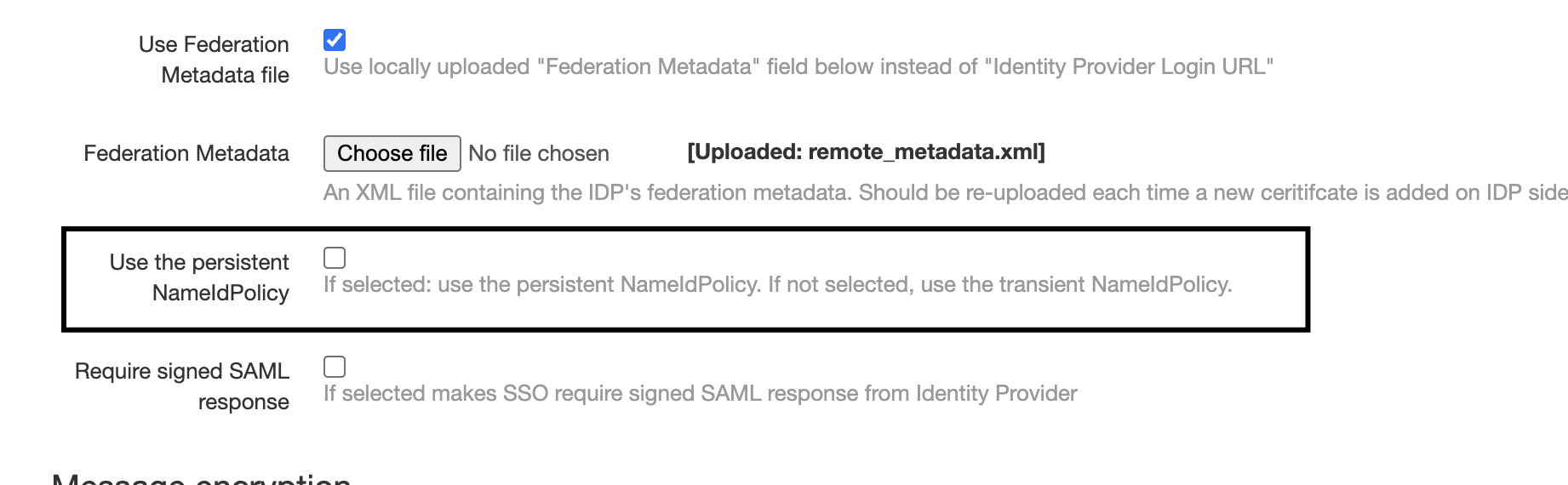
Need to uncheck:
ADFS guid to be updated with these lines:
-
Customers should not check the "Use the persistent NameIdPolicy" (leave it unchecked) when Identity Provider is created in CoreData. In the database the
auth_identityprovider.nameid_formatshould be set tourn:oasis:names:tc:SAML:2.0:nameid-format:transientby default. -
In ADFS the rule "Create Persistent Name Identifier" / "Outgoing name ID format" should be set to "Transient identifier".
-
The "Use the persistent NameIdPolicy" checkbox in CoreData is broken, it does not show the actual value stored in the database. The database field
auth_identityprovider.nameid_formatis the source of truth.
Error 403 Access denied
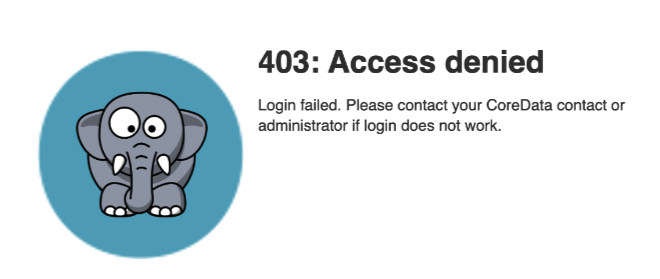
This error can be triggered by following route causes:
-
Corresponding CoreData user is missing
-
Identity Provider config Required group does not match any of the Azure AD groups of the signing in user.
-
User Alias missing:
-
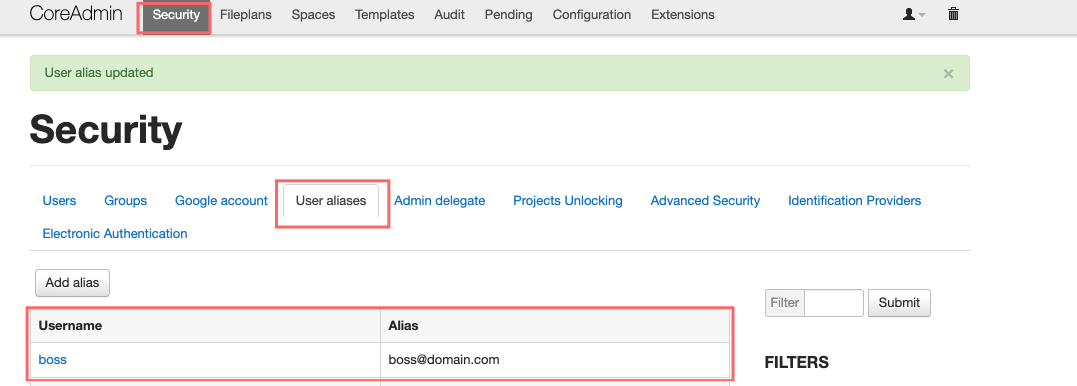
User is not active:
-
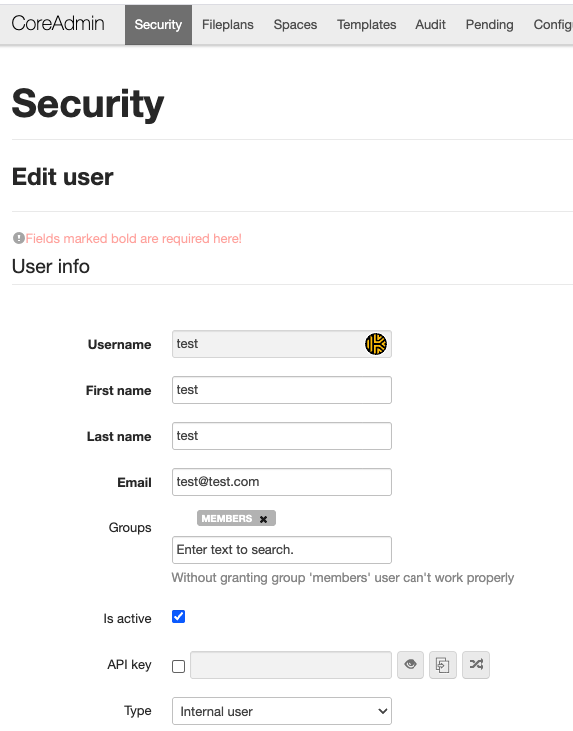
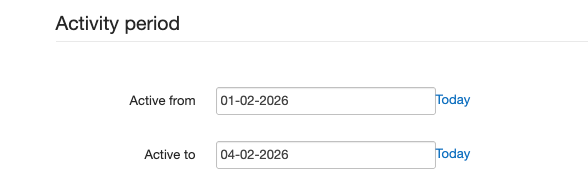
User Activity period expired:
Error 500: A server error occured
signature does not verify
Error: failed to verify file "/tmp/tmpxxxxxxxxx.xml"
From our experience this issue was solved by fetching new federation.xml file.
All related issues originate from Microsoft. The problem isn't in Coredata — it's in the Enterprise Application in your Azure tenant where SSO is configured.
Examples:
User not assigned to required group Entra ID, please Add use in Entra ID.
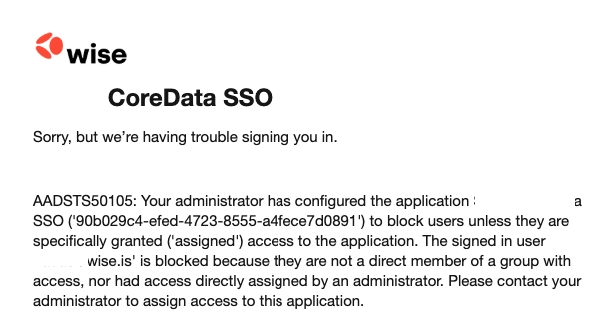
More logs can be found in Azure portal → Entra ID → Enterprise Applications → Your Application → Sign-in logs
Some users can login, some do not.
Azure AD has a limit of 150 groups in a SAML token. When a user belongs to more groups than this limit, Azure AD omits all group claims from the token, causing authentication failures. Users with fewer group memberships work fine while others fail. Fix by configuring the app to emit only groups assigned to the application.
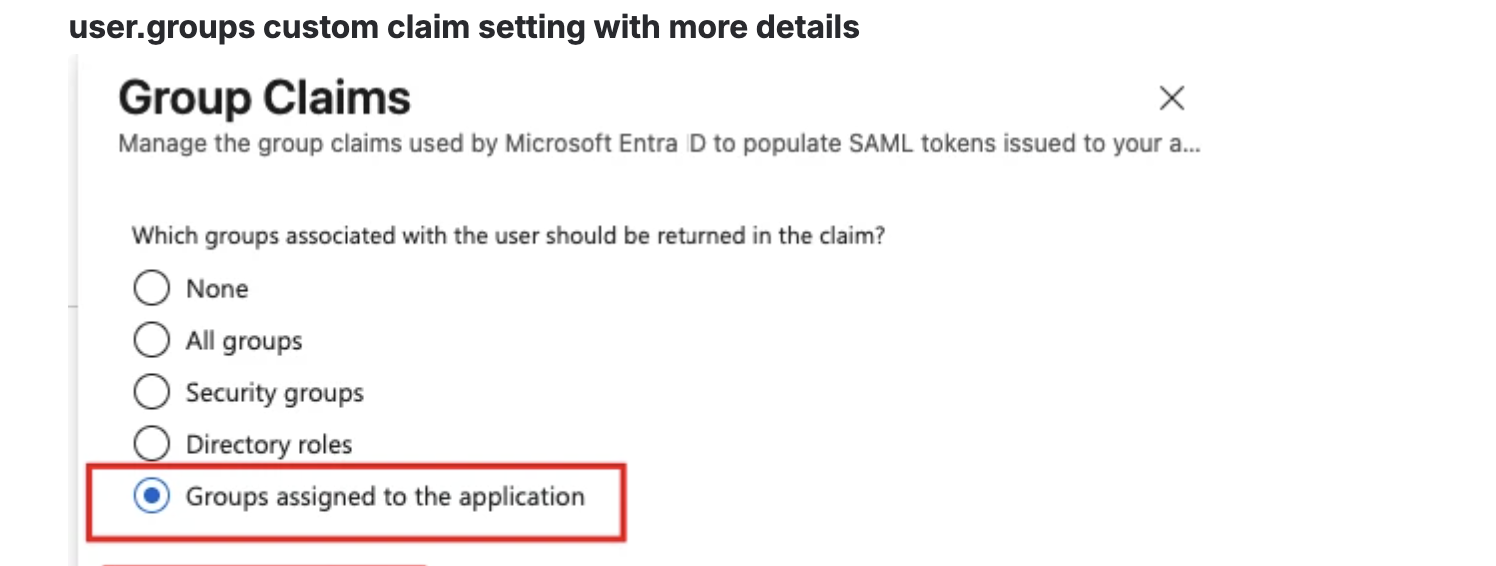
How to edit group claims, you can find it in SSO implemantion steps page.