When working with existing contracts, it is best to do so from the Contract List.
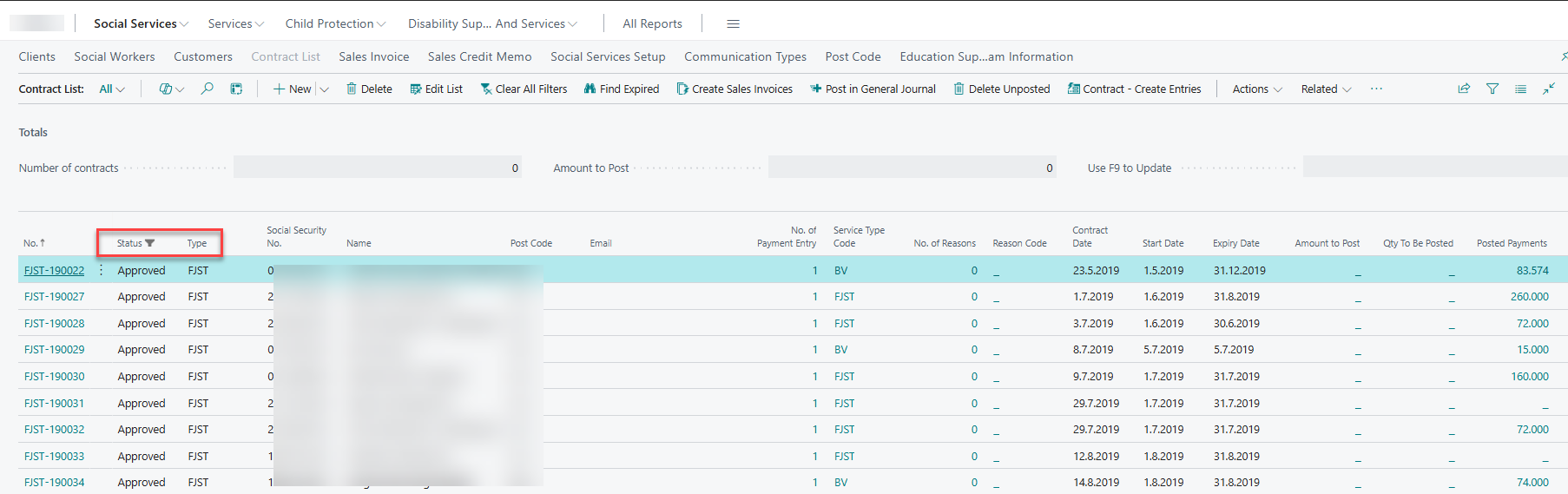
There, you can filter by the Type of social service, allowing you to work only with agreements of that specific type. You can also filter by the status of the contract—for example, selecting “Approved” will limit the view to only approved contracts.
Finally, you can filter by Social Security No., which can be useful when reviewing all services a specific client has received from the municipality. In that case, you would remove the filter for service type to view all approved contracts linked to that SSN.
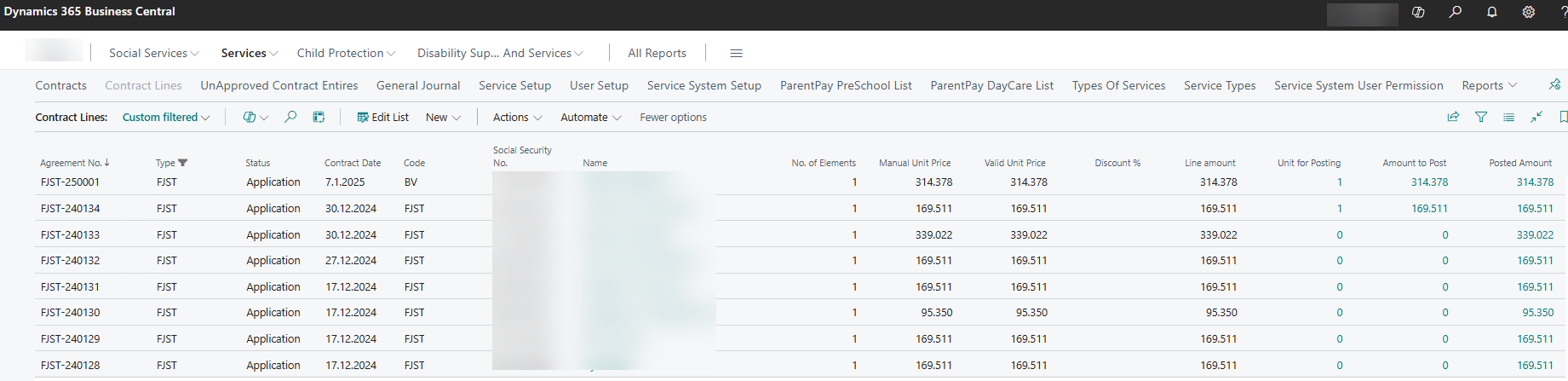
Contract lines - overview
The contract line overview is useful for those working with units or fixed prices that change from month to month, as it allows for quick and easy updates.